Screenshots
On this page you find some screenshots of zim in action. Of course pictures only capture the look, not how it feels to use, see the screencast for see a bit more of the feeling.
INSERT_SCREENCAST_HERE
Screencast thanks to ProductiveLinux.
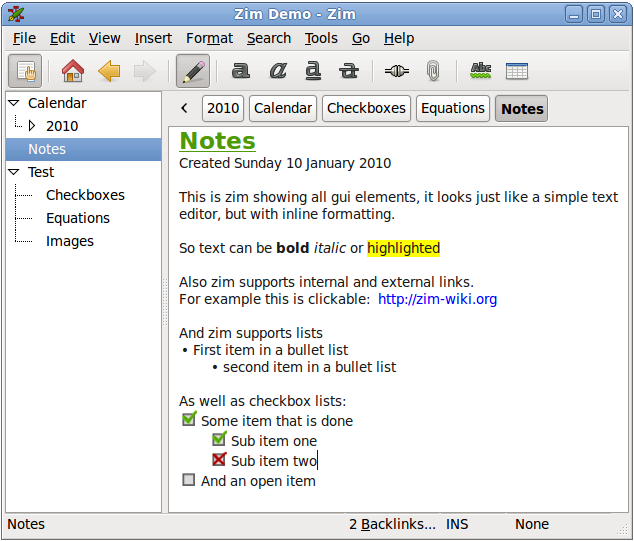
The editor window with all widgets visible
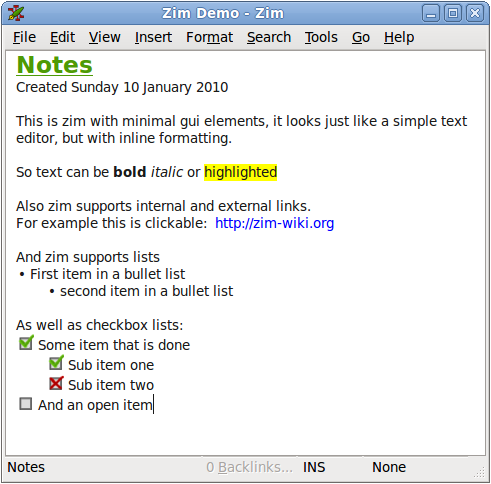
Minimalistic editor window with a checkbox list and some links

Showing "open with" item for embedded image
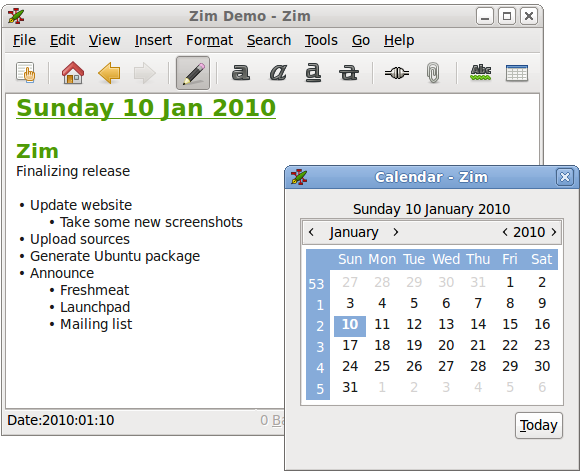
Showing the calendar dialog
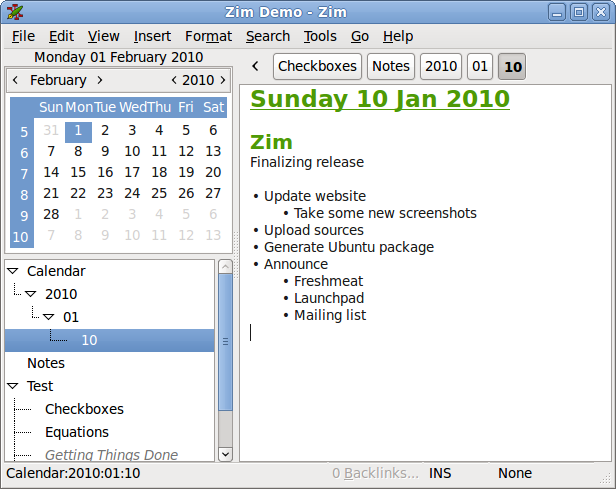
Showing the alternative embedded calendar view

Showing the task list dialog
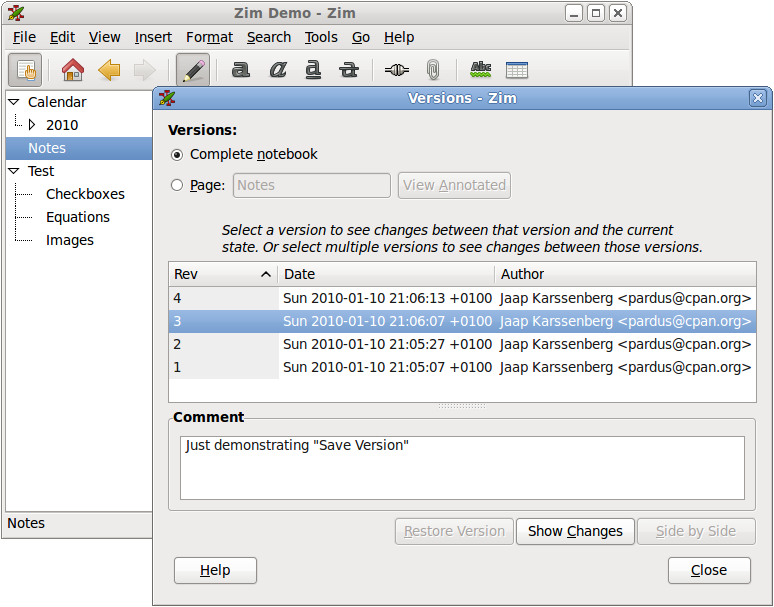
The version control dialog
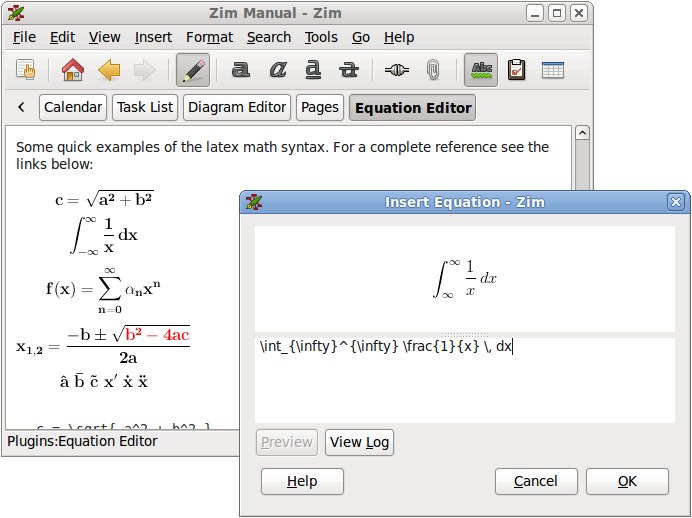
Showing the latex equation editor